You select an item and add it to your shopping cart. The price is reasonable. The product meets your expectations. You choose “check-out.” Many consumers stop at the check-out stage. Many consumers will also close the window. Most people who have had their orders stop getting made were never having problems with the product they wanted. Most of the time, the problem was with the check-out process.
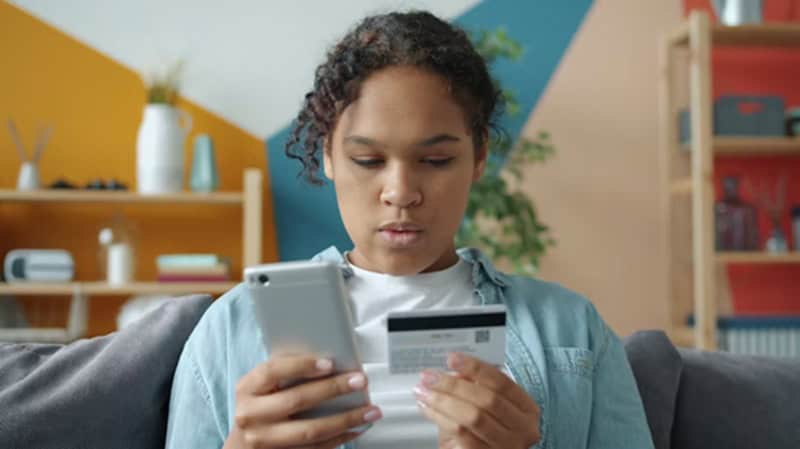
Making Customers Create An Account Before Making A Payment
One very popular check-out practice is requiring customers to sign up for an account before they make a payment. On a business level, this makes sense. With accounts, businesses can track orders, send marketing emails, and make repeat purchases easier.
If you are purchasing on your smartphone during your lunch break, you probably do not want to take the time to create a username, verify your email, and fill out a profile just to make one purchase. If you see a login form after clicking on “check-out” and before seeing the available payment options, most consumers will cancel out of the site.
Instead, use the guest check-out feature first. Once the consumer has completed the purchase, ask them to create an account using the information they already provided. This removes the need to create a profile while allowing you to build a customer database.
Too Much Time Between Selecting Items In Your Shopping Cart And Completing Your Payment
Many check-out processes extend over 4-5 individual screens. Shipping info. Billing info. Review Order. Payment Option. Confirmation. Each additional screen adds more opportunity for consumers to hesitate.
Consider a commuter selecting a pair of headphones to purchase. They enter their address, select “continue,” and are then asked for virtually the same information again. By the third screen, the length of the process becomes more frustrating than the cost of the product itself.
Reducing the number of screens to either one (with all the options) or two clearly defined screens keeps the purchase’s energy intact. Using auto-fill features, providing visual progress indicators, and including an address lookup tool can also reduce the time it takes to complete a transaction.
Payment Options That Appear To Be Limited Or Unfamiliar
The area of payment friction is often overlooked. Consumers reach the final stage of the process, and the only payment option they see is a credit card form with no Apple Pay, PayPal, or local methods they are comfortable with. Doubts now arise. Is the site safe? Why is my preferred method of payment not available?
This is where platforms like Inoviopay’s Global Payment Platform can prove helpful. Reducing consumer doubts by offering a variety of currency options and payment methods commonly seen at other sites they have purchased from, the check-out process will seem similar to those of other online retailers the consumer has visited.
Simplifying Check-outs Usually Means Removing Small Obstacles
Check-outs are rarely optimized through revolutionary designs. Typically, removing minor obstacles optimizes the check-out process.
When consumers view the check-out process as smooth and predictable, they complete it from their cart to confirmation without questioning whether they have made a good purchase decision.
The post The Checkout Process: How Your Purchase Stops appeared first on ThingsMenBuy.com.
from ThingsMenBuy.com https://www.thingsmenbuy.com/the-checkout-process-how-your-purchase-stops/
via IFTTT

No comments:
Post a Comment